Postandi
AI-Powered Content Planning Platform
End-to-end design and development of an AI-powered platform for planning, generating, and organizing multi-channel content.
Role
Product Designer & Builder
Timeline
5 months
Platform
Web App
Key Results
User Flow Efficiency: Reduced the “Time to Task” for content planning by simplifying the information architecture.
Scalability: Built a flexible UI framework capable of supporting new AI feature integrations with zero design rework.
Retention: Increased user engagement with data visualizations through interactive hover-states and micro-animations.
Tools
Figma, Firebase, Next.js, AI workflows
Overview
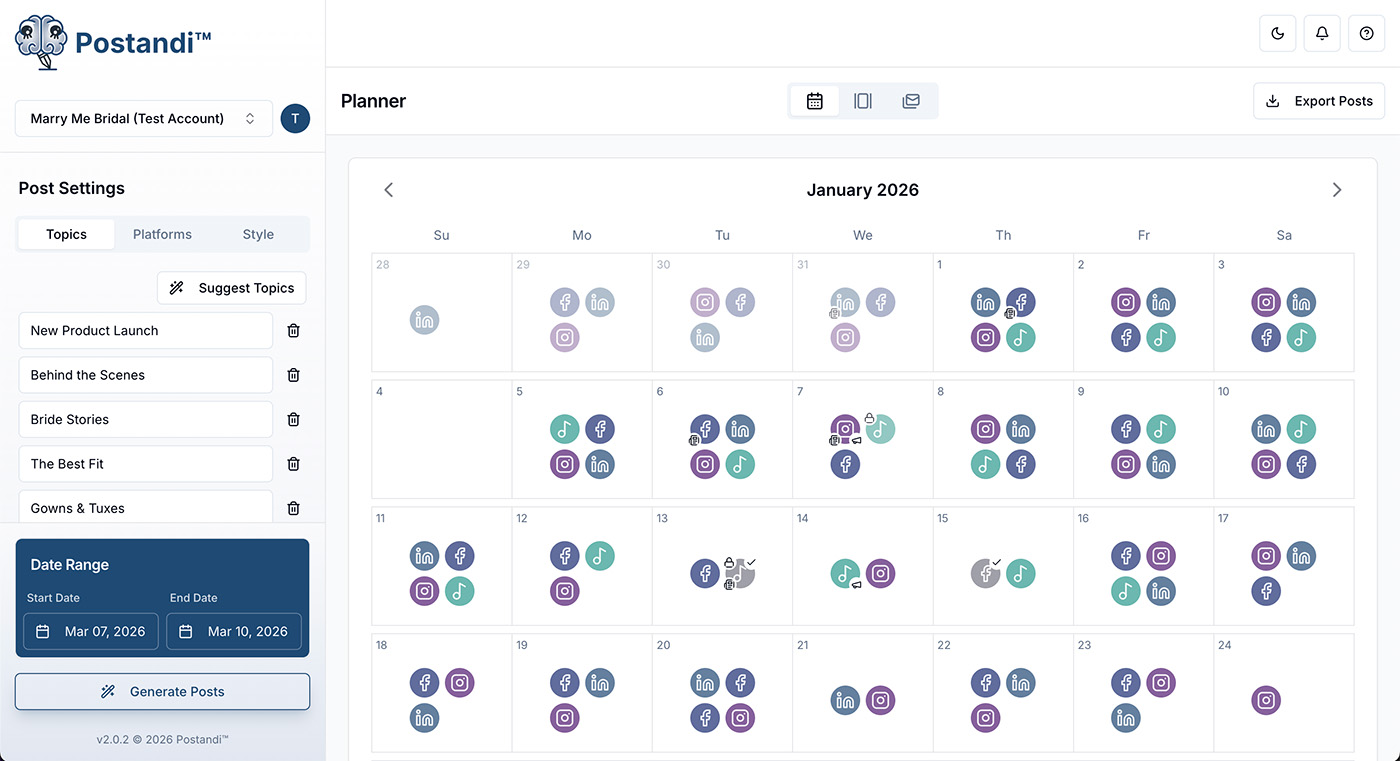
Postandi is a content planning platform that helps small businesses and creators generate, organize, and repurpose marketing content from a single workspace. The product combines AI-assisted creation with a visual planning system to reduce workflow friction and eliminate tool fragmentation.
I led the product design and front-end implementation, defining the core experience from early concept through a functional prototype. My focus was building scalable UX architecture, intuitive planning workflows, and AI-assisted systems that adapt to real user feedback.
The Problem
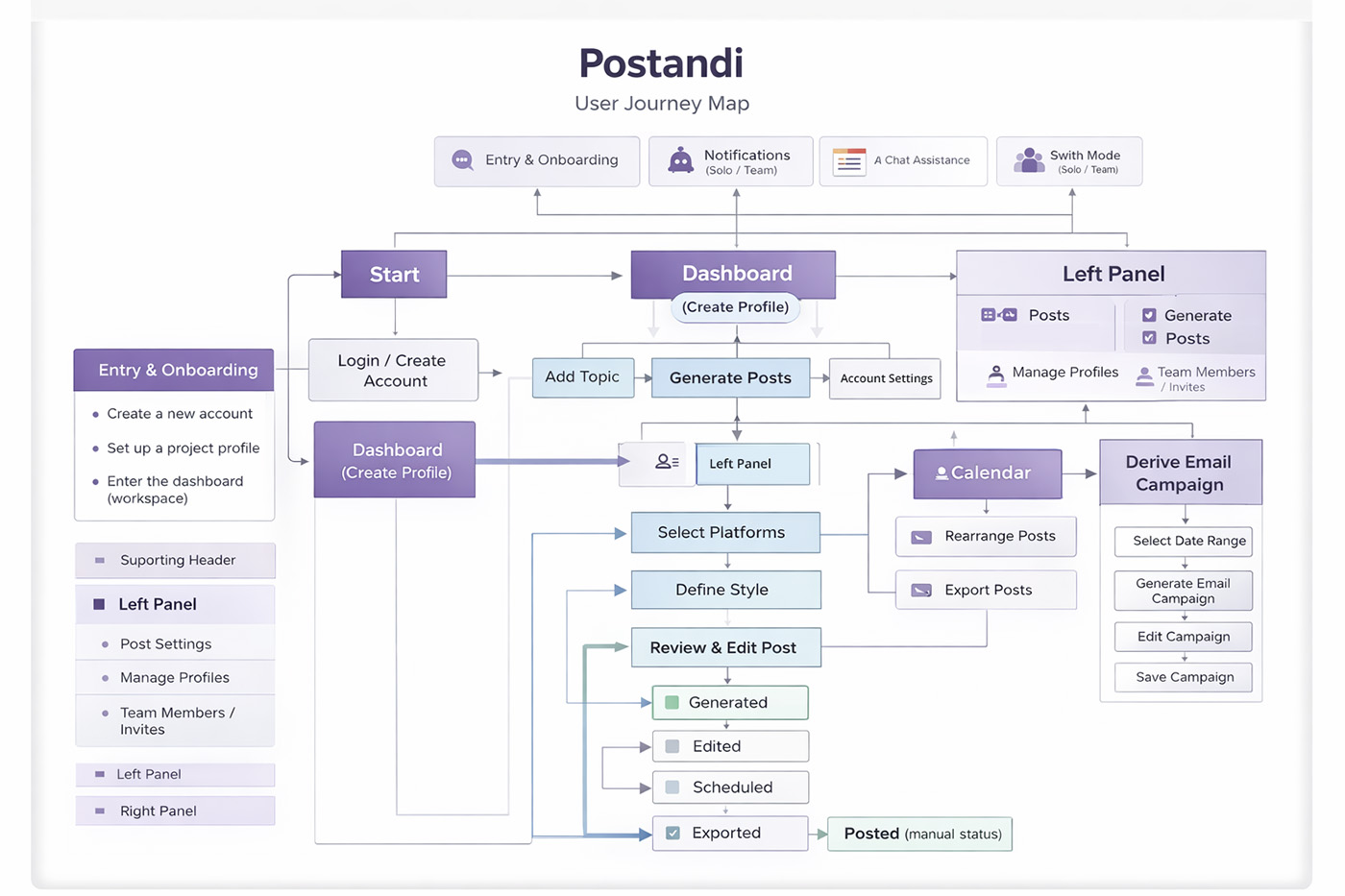
User Journey Map
This results in wasted time, inconsistent brand voice, and limited visibility across content timelines.
Small teams and solo marketers struggle with fragmented workflows
Content ideas live in notes
Captions are written manually
Calendars are disconnected
Repurposing requires repeating work
Product Goals
Enable batch content planning instead of single-post workflows
Maintain consistent brand voice across generations
Support visual scheduling and rescheduling
Allow content reuse across channels
Scale from solo creators to small teams
Core Architecture
Planner: Active Content Workspace
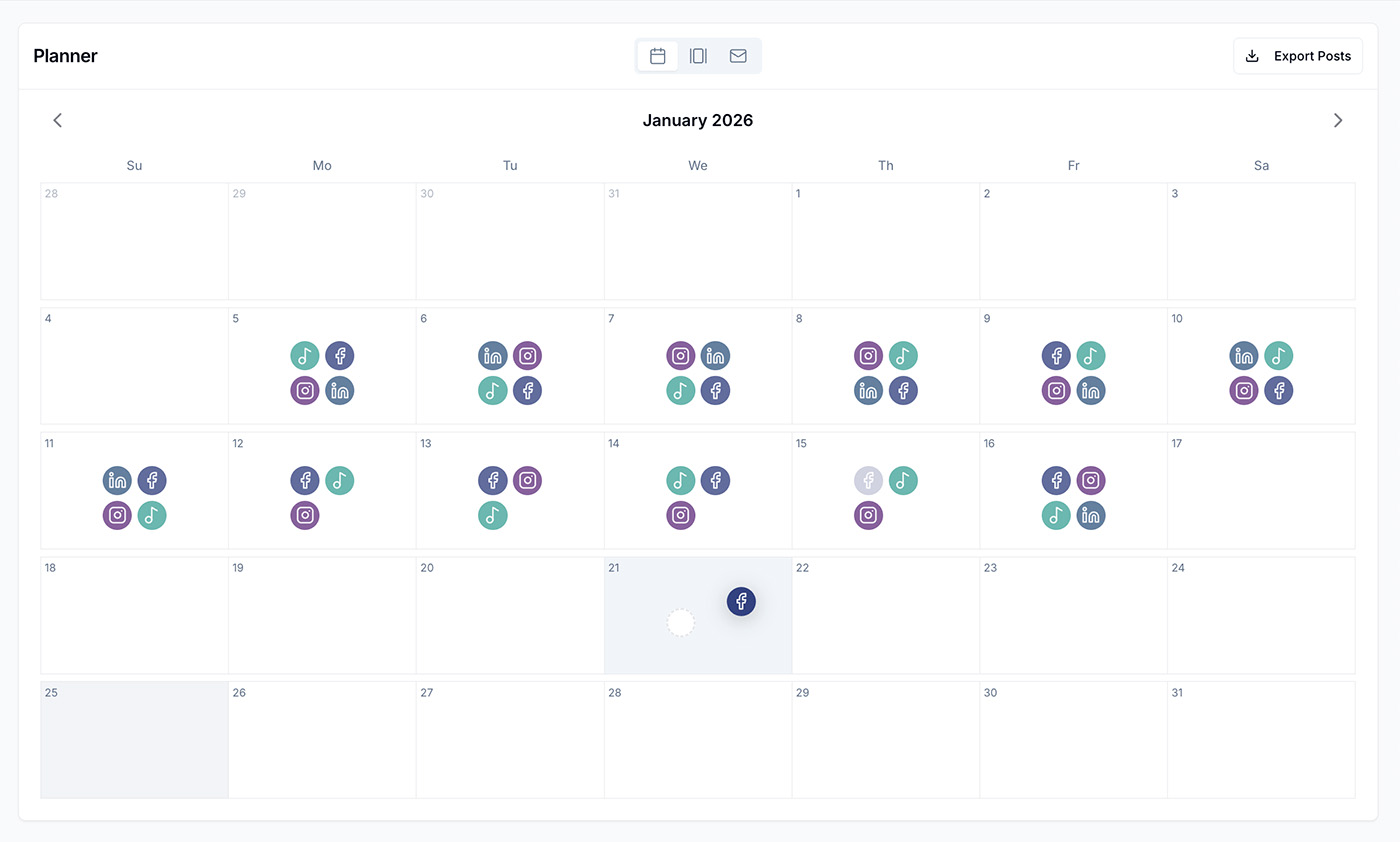
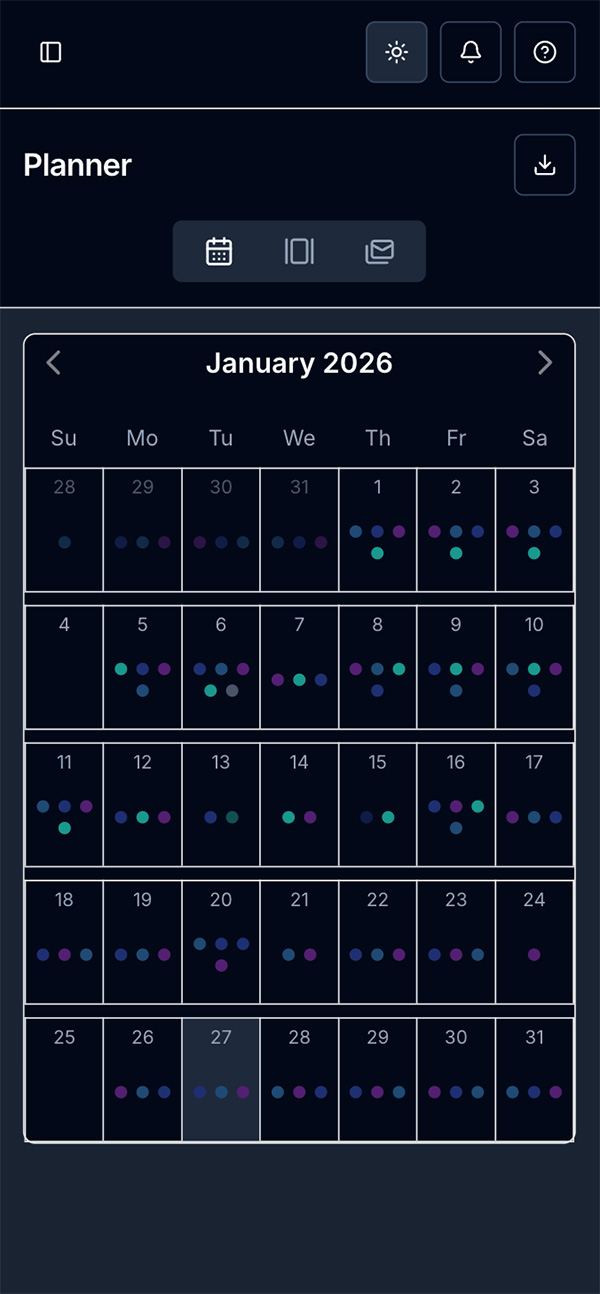
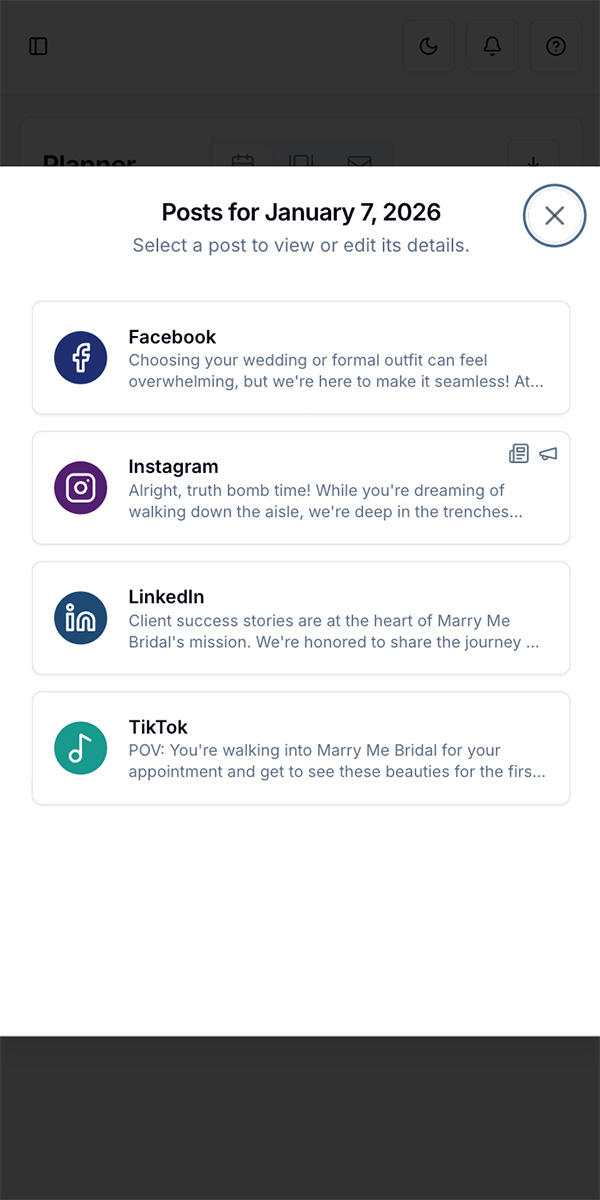
The Planner is the primary production environment. It allows users to visually organize content, drag and drop posts across dates, and edit or regenerate content directly from the calendar.
Highlight behaviors:
Drag to reschedule
Click to edit
Visual platform indicators
Publishing status states
AI Workflows & Intelligent Content Repurposing
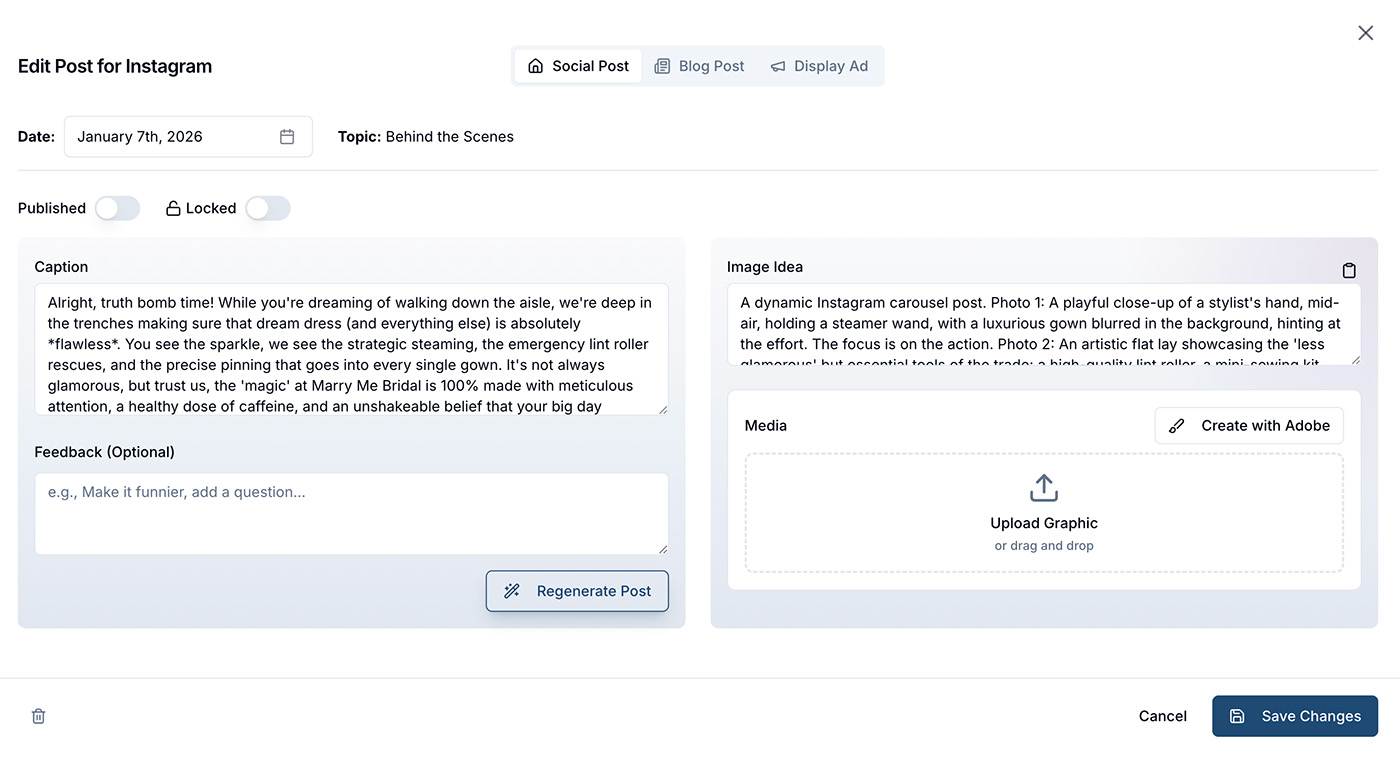
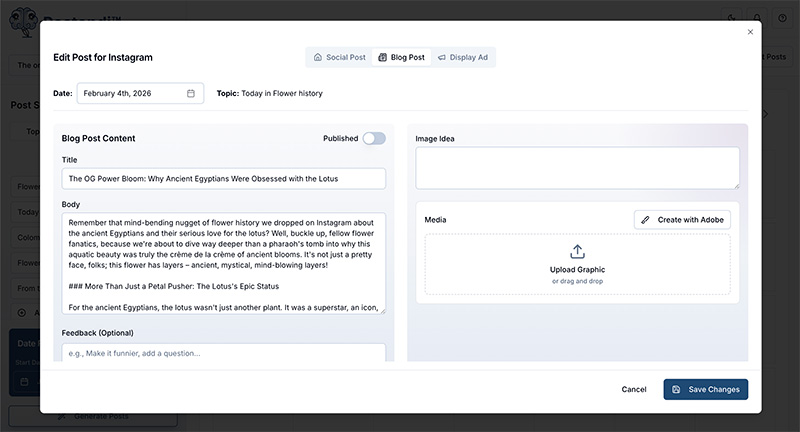
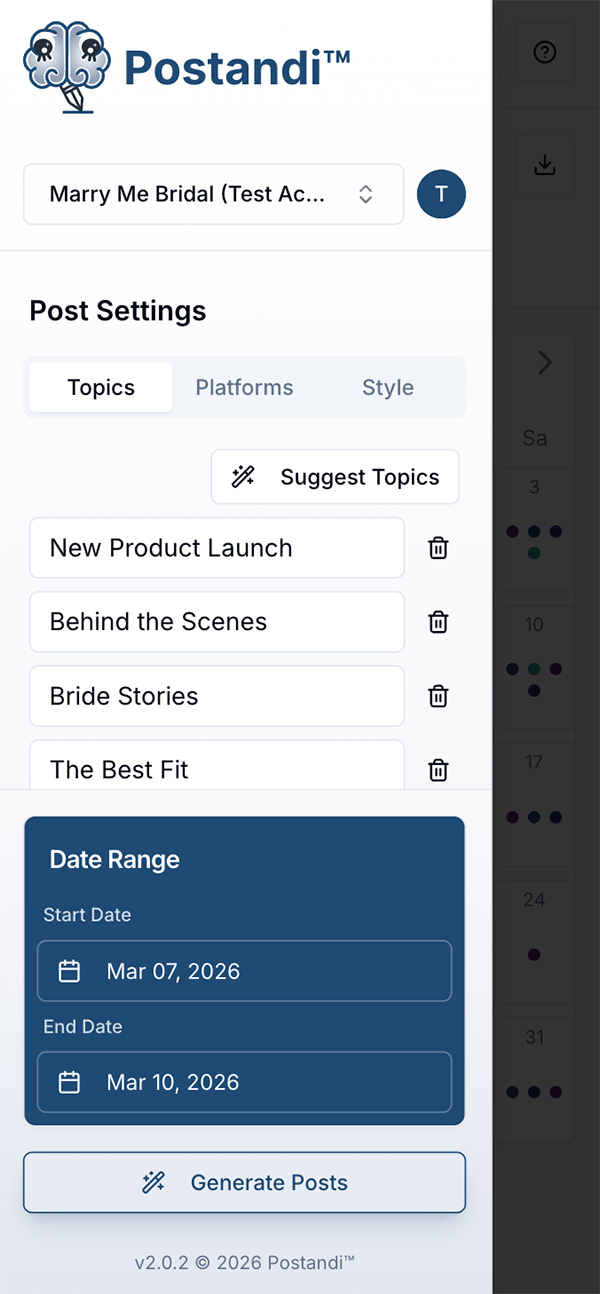
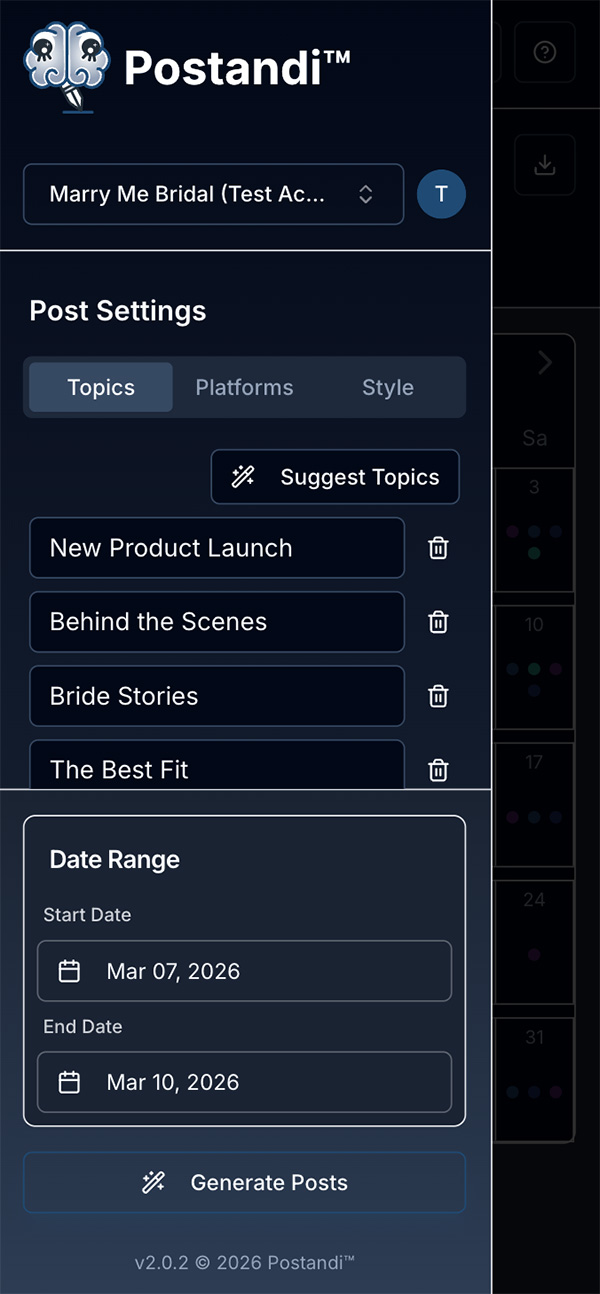
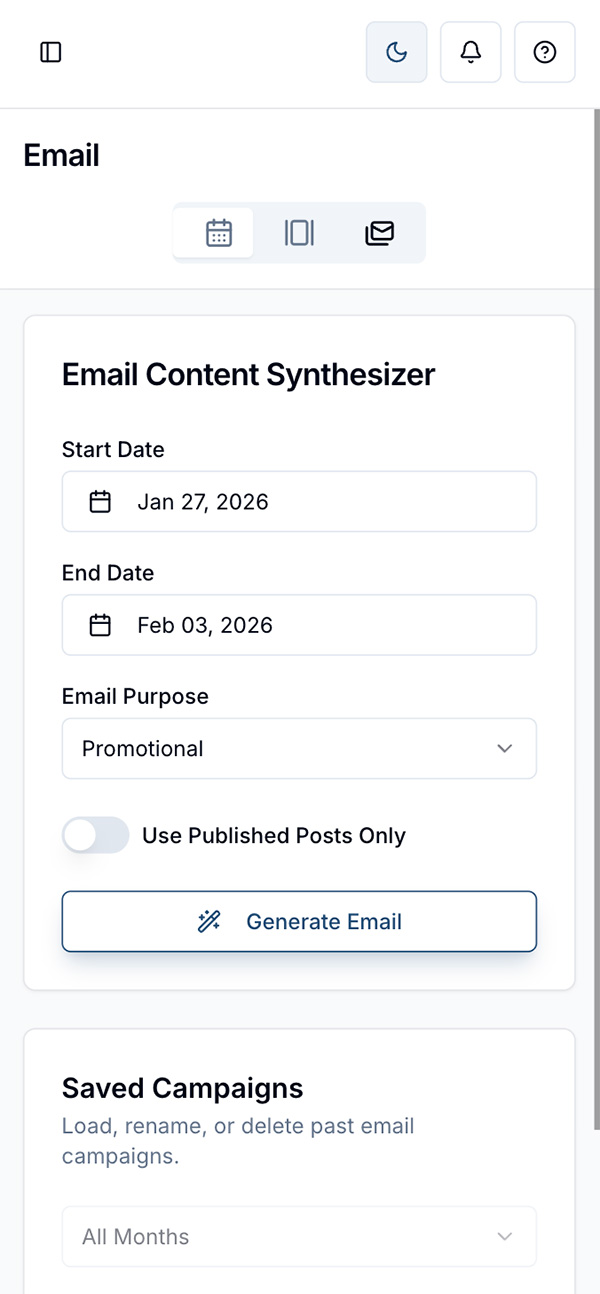
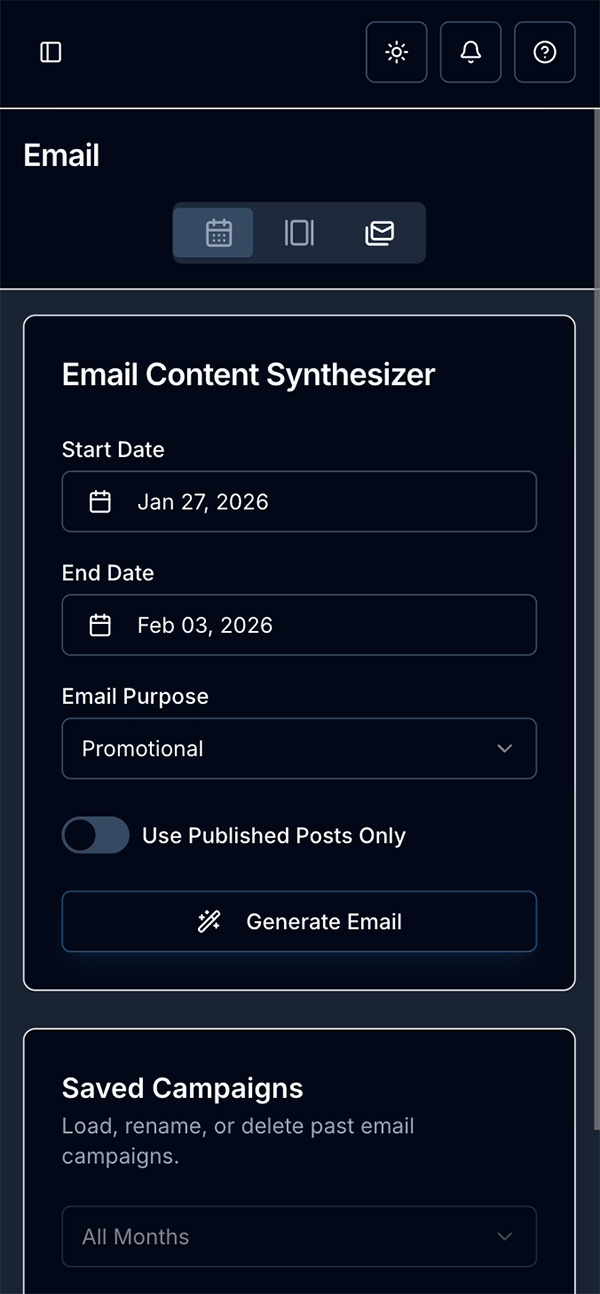
The platform could generate multi-platform content schedules for a defined date range, using business context such as brand voice, audience, selected channels, and website content to shape more relevant outputs. To make the system more useful beyond first-pass generation, I also designed a set of derivative workflows that allowed users to expand a social post into a blog article, condense it into a display ad, or synthesize existing content into a draft newsletter.
A key part of the experience was keeping the AI flexible without making it feel unpredictable. Users could regenerate individual posts or derivative content using natural-language feedback, giving them a more conversational way to refine output while still staying in control. This created a more practical human-in-the-loop workflow, where AI helped accelerate content creation but the user remained the decision-maker.
Highlights
- Multi-platform content calendar generation across prioritized channels
- Website-informed output grounded in the business’s own content
- Post-to-blog, post-to-ad, and newsletter synthesis workflows
- Targeted regeneration using plain-language feedback
- Strategy helpers for topic ideation and campaign naming
AI Workflow Design
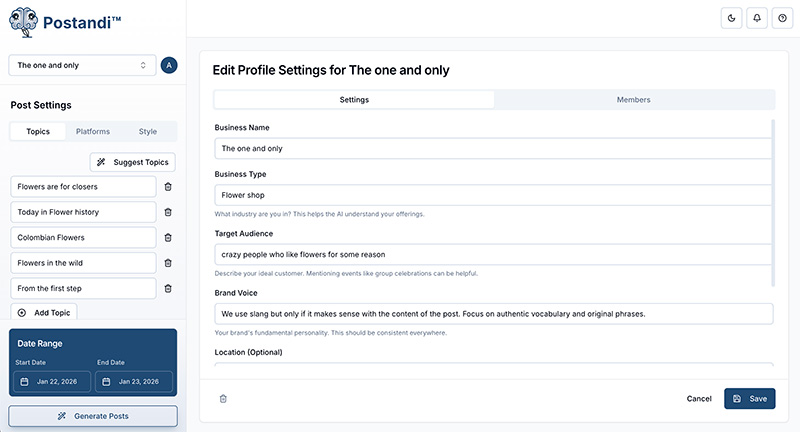
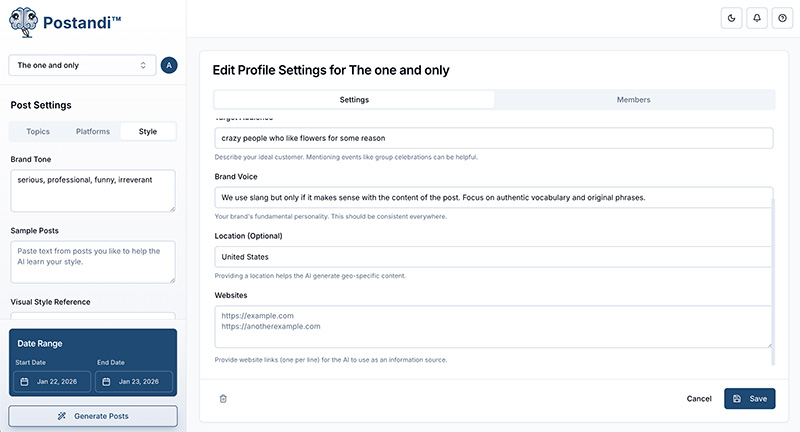
Instead of treating AI generation as isolated prompts, I designed Postandi’s system to accumulate brand context over time. The AI references business profiles, style settings, prior posts, and regeneration feedback to continuously improve output consistency.
This created a human-in-the-loop system where users actively shape brand voice through iteration.
Collaboration & Real-Time Workflow Design
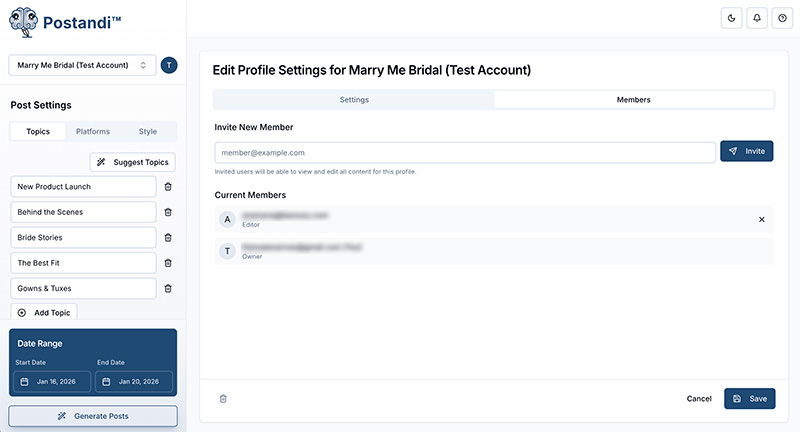
Because content planning is often collaborative, I designed Postandi to support shared workflows rather than assuming a single-user experience. The platform included multi-profile management, invitations for collaborators, and real-time syncing so teams could work within the same content environment without stepping on each other.
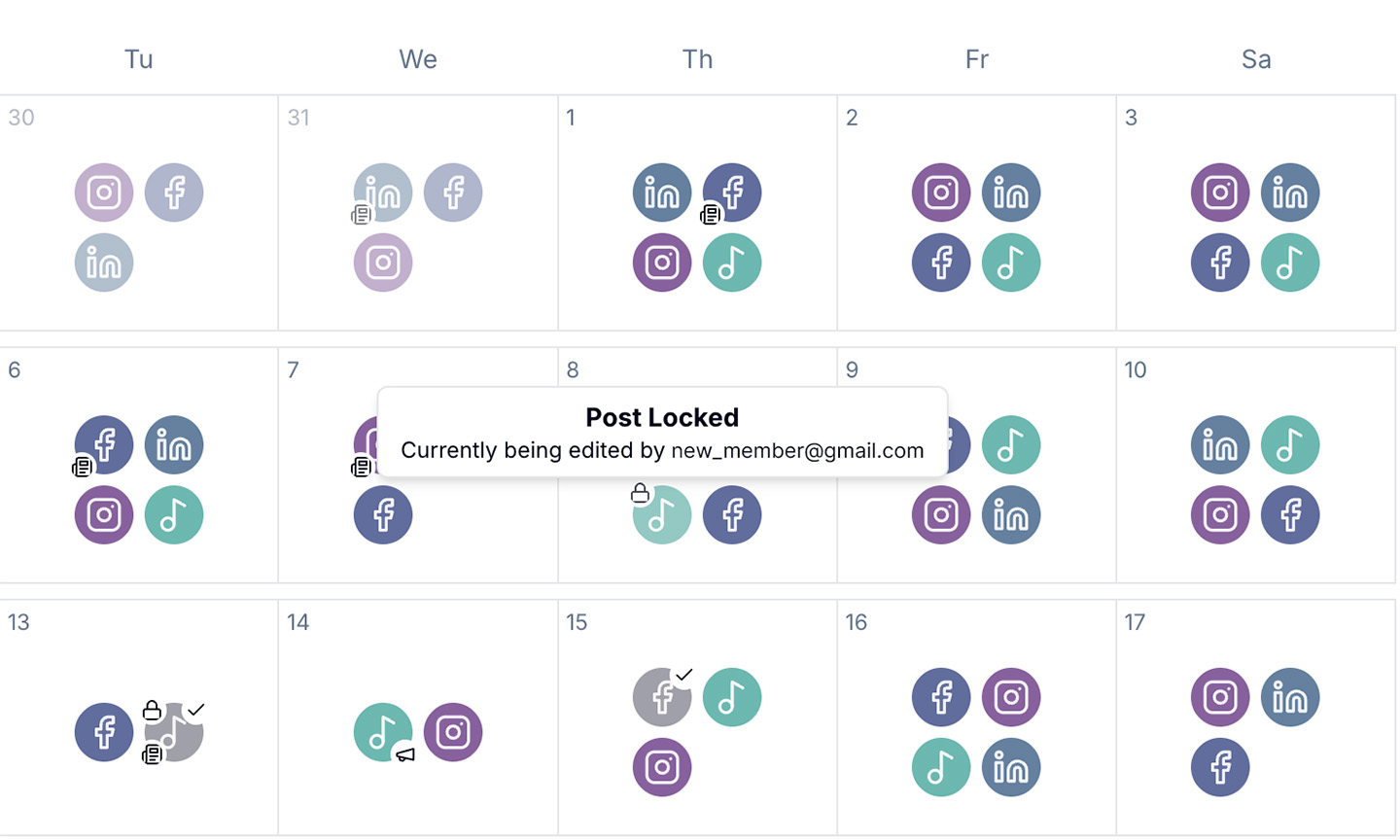
One of the more important workflow decisions was designing a live post-locking system that temporarily froze a post while someone was editing it. This helped prevent version conflicts and made collaborative editing feel more trustworthy. I also included presence cues so team members could see who was actively working on a post, adding transparency to the editing process and reducing confusion in shared spaces.
This part of the product helped move Postandi beyond a simple planner and closer to a collaborative content workspace.
Highlights
- Shared business profiles with role-based collaboration
- Invitation flow for adding teammates
- Real-time syncing across active sessions
- Live post locking to prevent editing conflicts
- Presence indicators showing who is currently editing
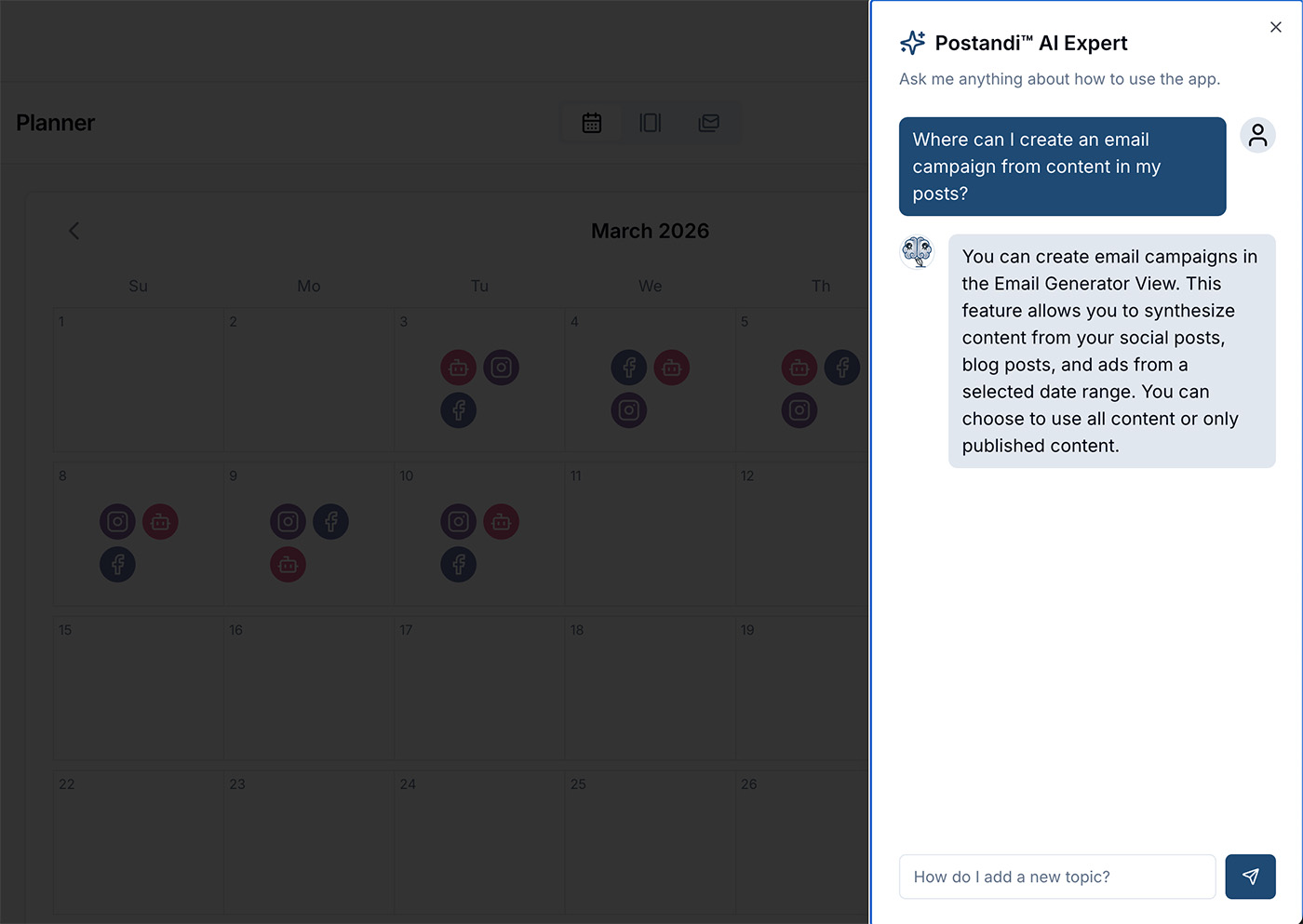
Embedded AI Support Assistant
Implementation Approach
Firebase authentication and real-time data syncing
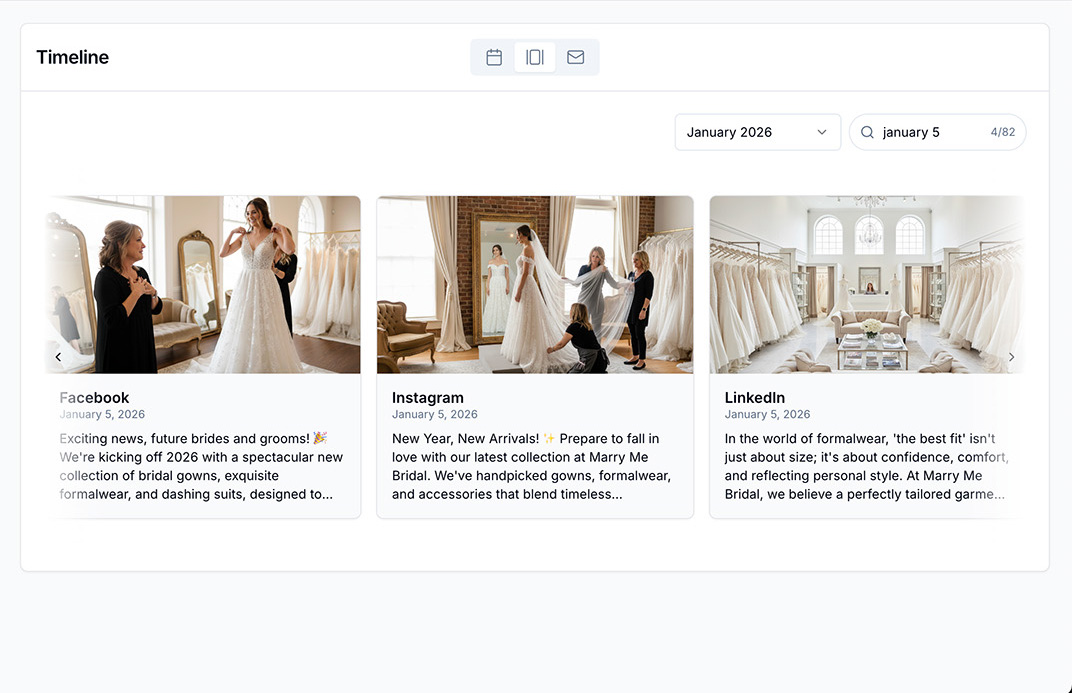
Front-end state management for Planner and Timeline views
AI-assisted prototyping workflows
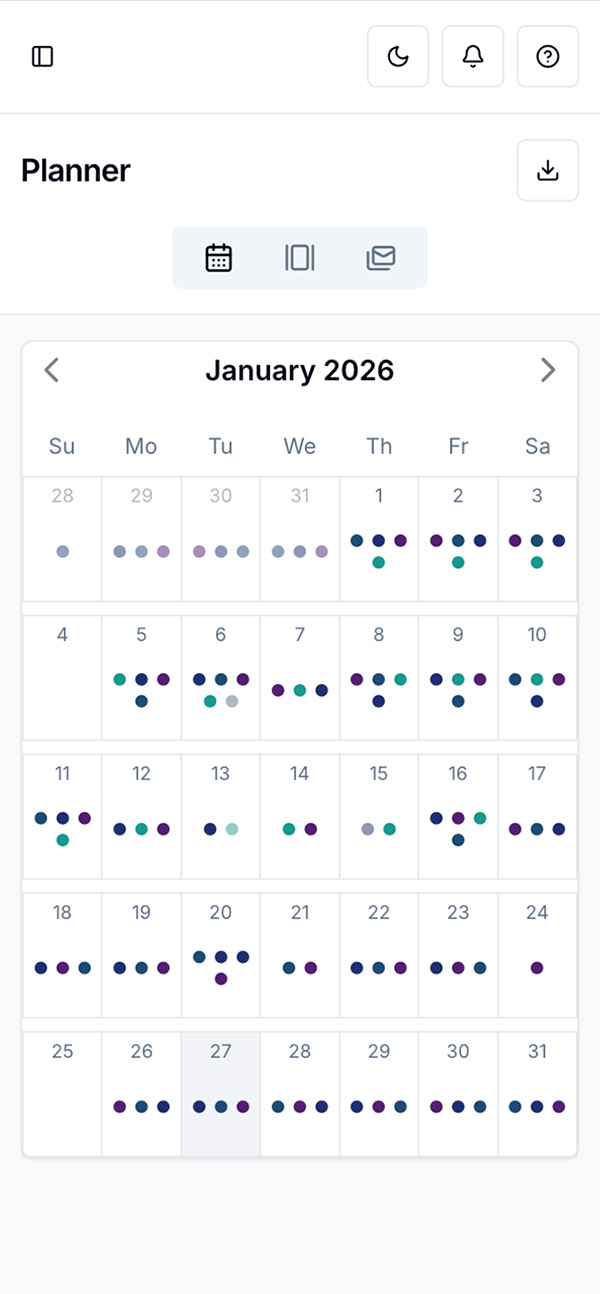
Responsive UI behavior across desktop and mobile
Challenges & Tradeoffs
Balancing Power and Simplicity
Several features were simplified to preserve usability and avoid overwhelming first-time users.
Feature Scope Control
I intentionally prioritized planning and generation workflows before adding platform scheduling to ensure a strong foundation.